Bulk WhatsApp campaigns: sending limits and how not to lose your number
How WhatsApp API messaging limits work, how to move up a tier, what Meta requires on opt-in and how to send campaigns without getting blocked.
A store sets up its first WhatsApp campaign: 5,000 contacts, a great promotion and everything ready for Friday at 6 p.m. At 6:05 the system stops sending. Nobody set anything up wrong: the number had a limit of 250 people per day and nobody knew it.
How is a bulk WhatsApp campaign sent?
With the official WhatsApp API and templates approved by Meta, to contacts who agreed to receive your messages. The WhatsApp Business app works for small broadcast lists, but not for segmented or measurable campaigns. And unofficial tools that “send from your phone” put your number at risk.
Every campaign message is a template, because it goes to people outside the 24-hour service window. If you have doubts about the categories, read WhatsApp templates: marketing, utility and authentication.
What are messaging limits?
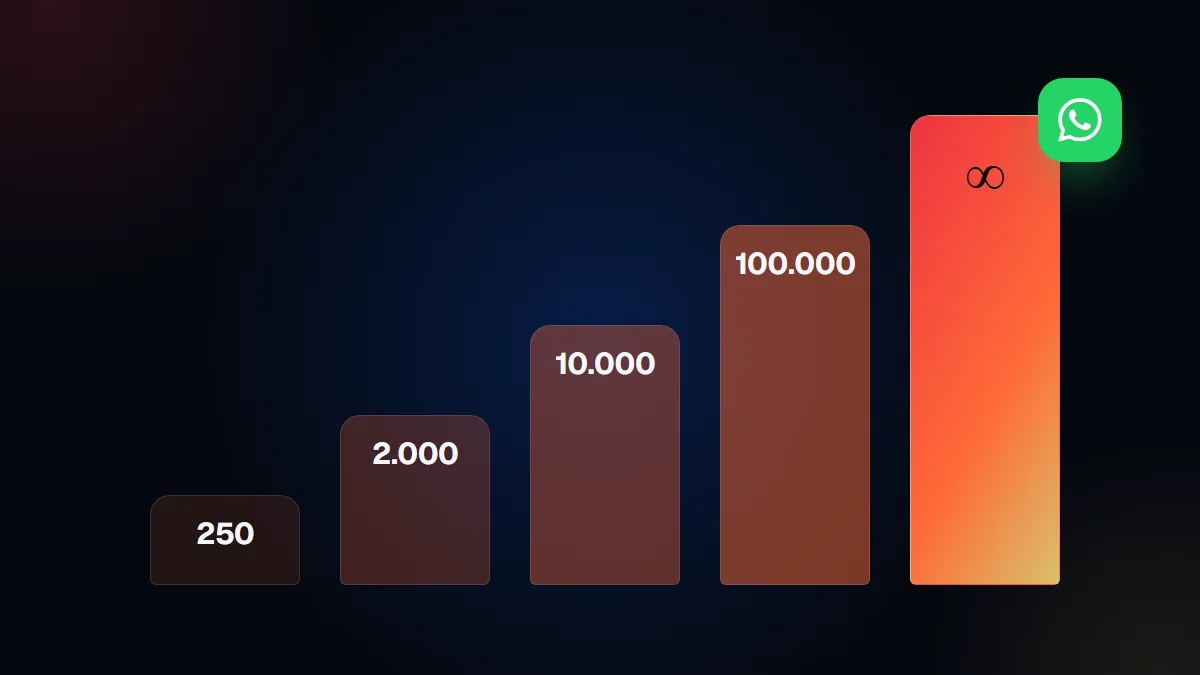
It is the maximum number of unique people you can write to outside the service window in a moving 24-hour period. According to Meta’s documentation, the limit is set by Meta, calculated at the business portfolio level and shared by all the numbers in that portfolio. A single number can use up the whole capacity.
| Level | Unique people per 24 hours | How you get there |
|---|---|---|
| Initial | 250 | New business portfolio |
| Second | 2.000 | Business verification or volume with high quality templates |
| Third | 10.000 | Automatic increase |
| Fourth | 100.000 | Automatic increase |
| Maximum | Unlimited | Automatic increase |
Watch out: the limit counts unique people outside the service window, not messages. Replies to customers who wrote to you in the last 24 hours do not use it up.
How do I move up a tier?
First you reach 2,000 through one of three paths, and then Meta raises you one tier at a time automatically. The initial paths Meta lists are:
- Verify your business, as we explain in business verification on Meta.
- Have the provider you connected through verify it.
- Send 2,000 delivered messages to unique numbers, outside the service window, within 30 days, with high quality templates.
Meta reviews the quality of your messages before approving. Then, according to the documentation, it moves you up one tier within 6 hours when two conditions are met: high quality messages across all your numbers and templates, and having used at least half of your current limit in the last 7 days.
What about quality and opt-in?
Quality depends on people wanting your messages, and that starts with asking for permission. Meta’s opt-in policy requires that the person agree to receive messages from your company, that the company name be clear and that you comply with local law.
If you write to people who do not know you, they block or report you, quality drops and the number stops growing. Buying databases is the shortest path to that problem.
How much does a campaign cost?
Marketing templates are always charged, per delivered message, based on the recipient’s country. That is what Meta’s pricing page states. That is why segmenting pays off: sending to 800 people interested in a product usually performs better than sending to 5,000 without a filter, and costs less.
If you want to share content without paying per message, a community or a channel can complement your campaigns, as we explain in WhatsApp group, community or channel.
How does TMV One do it?
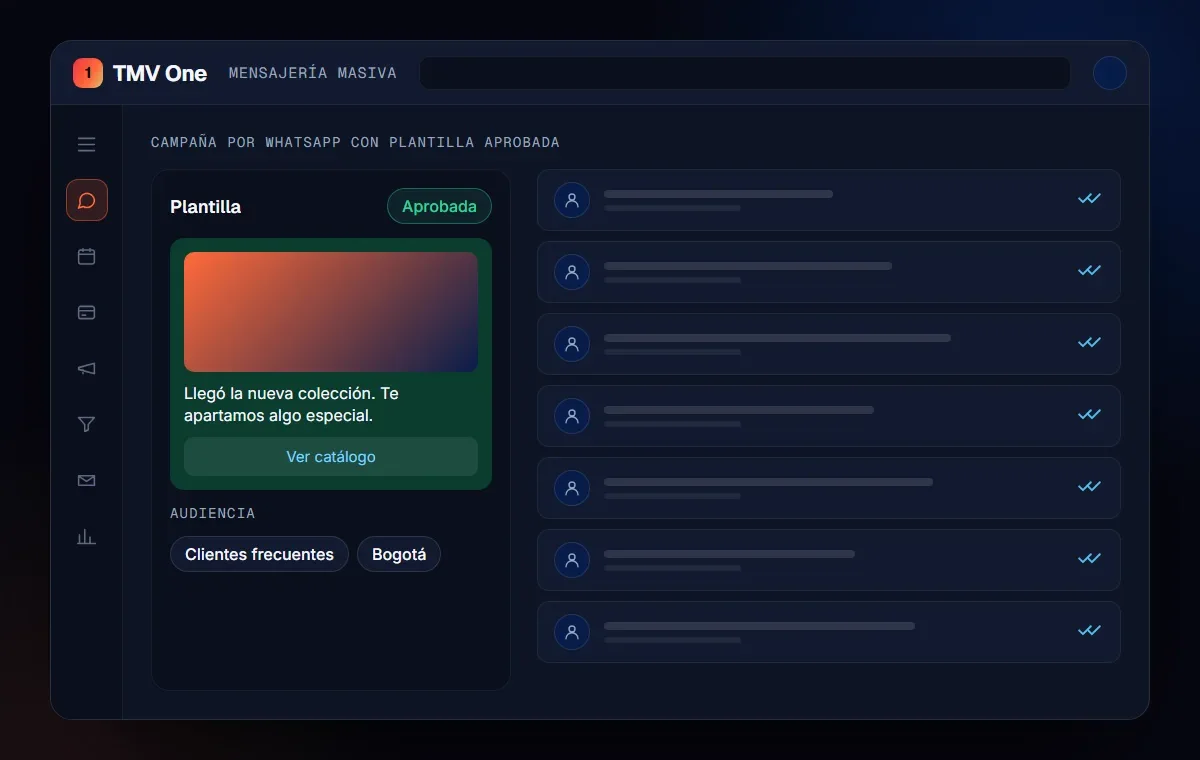
The bulk messaging module in TMV One sends approved templates to segments of your contacts and shows the status of every send. Replies land in the team’s inbox, linked to each customer’s record, and the sending plan adjusts to your limit.
In short
Friday’s campaign did not fail because of the promotion, but because of a limit nobody had checked. Before sending, know your tier, verify your business, write only to people who opted in and segment: that way quality holds and the limit goes up.
Frequently asked questions
How many messages can I send in a WhatsApp campaign?
It depends on your messaging limit. According to Meta, a new business portfolio can message 250 unique people outside the service window in 24 hours, and that limit can rise to 2,000, 10,000, 100,000 or unlimited.
How do I raise my limit?
By verifying your business, having your provider verify it or sending 2,000 delivered messages to unique numbers in 30 days with high quality templates. After that, Meta moves you up a tier if you keep good quality and used at least half of your limit in 7 days.
Is the limit per number or per company?
According to Meta, it is calculated at the business portfolio level and shared by all the numbers in that portfolio.
Can I send campaigns to a purchased database?
No. Meta requires that the person agreed to receive messages from your company, with the company name made clear and in compliance with local law.
Do not stop at the theory: apply it to your business
We implement TMV One end to end, with your real operation. The first conversation is free.